Website Redirect Map
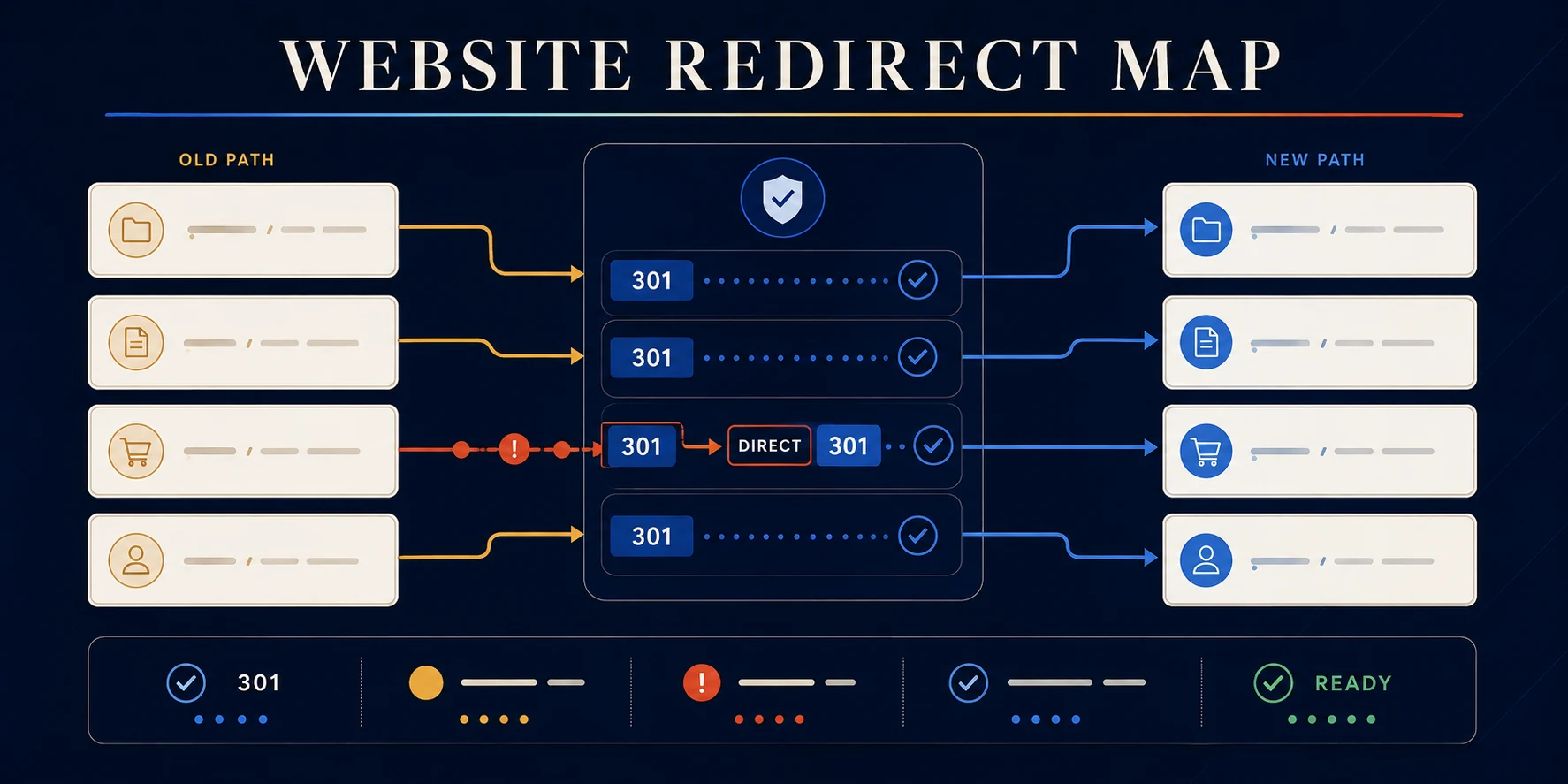
Build and audit a 301 redirect map before you launch
The most expensive hour of a website project is the hour after launch, when the old URLs stop working and the rankings that took two years to earn start dropping.
The Website Redirect Map Builder checks your old to new URL list for the mistakes that cause it. Up to 1000 mappings, about three minutes, no signup.
When you need a redirect map
- Redesigning a Houston business site and changing the URL structure
- Moving to a new domain or consolidating several domains into one
- Replatforming into Webflow from WordPress, Wix, Squarespace, or a custom build
- Merging thin pages into stronger ones and retiring the originals
- Retiring campaign or seasonal URLs that still collect traffic
How to use the Website Redirect Map Builder
- Name the project, choose the migration type and redirect behavior, and enter your current and destination origins.
- Paste one old and new URL pair per line, or load a CSV, TSV, or TXT file from your computer.
- Run the audit and read the readiness score and the row status table.
- Resolve what it finds: invalid rows, duplicate sources, self redirects, chains, loops, domain mismatches, and risky destinations.
- Copy the summary, download the diagnostic CSV, or export the two column Webflow 301 CSV once the critical blockers are cleared.
The problems that hurt most
- Chains. Old URL points to a second URL that points to a third. Slow, and value leaks at every hop.
- Loops. Two rules point at each other. The page never loads.
- Duplicate sources. One old URL with two destinations. Something has to lose.
- Lazy destinations. Everything redirected to the homepage. A visitor looking for AC repair in Sugar Land lands on a hero image and leaves.
What the audit returns
- A redirect readiness score and a status for every row
- Findings grouped by severity, with a launch checklist
- A full diagnostic CSV with critical issues and review notes
- A Webflow ready 301 import CSV once the map passes structural checks
Before you import into Webflow
- Export and back up the redirects already on the site. The import adds to them, and you will want the original list if something goes wrong.
- Confirm each destination matches the intent of the old page, not just its rough topic.
- Publish once, then test a sample by hand across desktop and mobile.
- Watch Search Console coverage and 404s for the next month.
What this tool does not do
- It does not crawl your live site or discover URLs you forgot. Pull those from analytics, Search Console, and a crawler first.
- Query strings and wildcard rules still need manual review.
- It does not apply the redirects. You import them into Webflow yourself.
Where to go next
Plan the new structure before the move using the Local SEO Page Planner and the Internal Link Map Builder. Scoping the rebuild itself? Use the Website Project Scope Planner.
If a migration is coming and the rankings matter, see our SEO and web development work.
Free website migration tool
Move the URLs. Keep the value.
Turn an old-to-new URL list into a redirect map you can review, fix, and hand to Webflow. Catch chains, loops, duplicate sources, self-redirects, and risky consolidation before launch.
Redirect readiness
Know what is ready and what can break.
Diagnostic summary
Fix the route before traffic takes it.
Page-by-page map
Every old path needs one deliberate destination.
| Status | Old URL | Destination | Code | Diagnostic |
|---|
Launch sequence
Import carefully. Publish once. Test everything.
Moving more than URLs?
A redirect preserves the route. The new experience still has to earn the visit.
Nimbus can plan the architecture, content, SEO, design, development, and launch checks behind a cleaner website migration.
.avif)

Ready to build something better?
Let's talk about your project and how we can help your business grow online.
.avif)