- Address
- Phone
- Page
Local Business Schema Builder
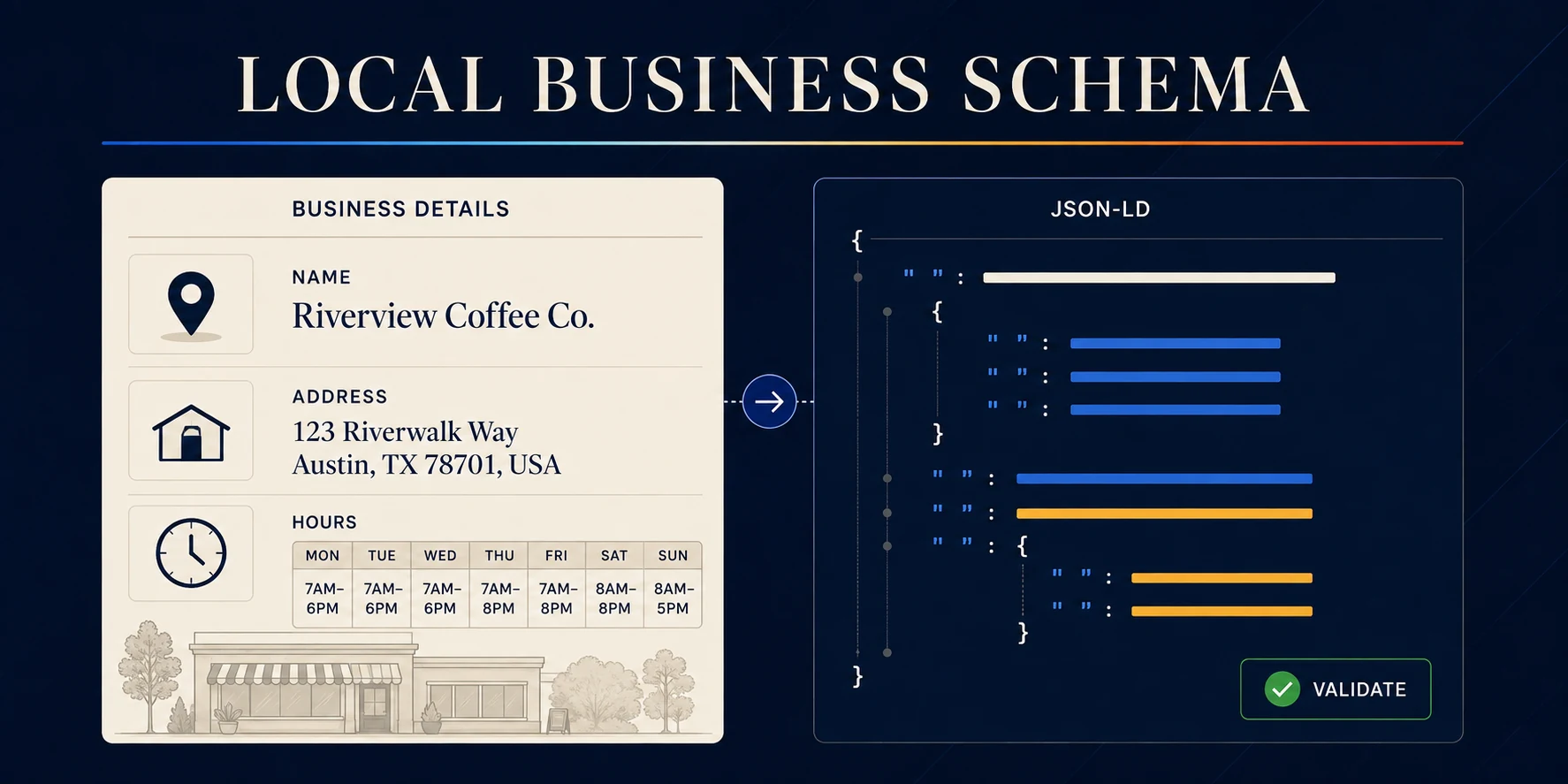
Build LocalBusiness schema for a Houston location
Search engines and AI assistants both need to answer a plain question about your business. Who are you, where are you, and when are you open?
Your page says it in words. Schema markup says it in a format machines read without guessing. The Local Business Schema Builder writes that markup for one location. About four minutes, no signup.
When this matters most
- Single-location Houston businesses with a real address customers can visit
- Multi-location companies building a page for each location, run once per address
- Practices and firms whose hours, phone, or address changed and never got updated in the markup
- Anyone being cited incorrectly by AI search results
How to use the Local Business Schema Builder
- Choose the most specific business type that applies. Plumber, Dentist, and LegalService describe you better than the generic LocalBusiness type.
- Enter the business name and the exact URL of the location page this markup will live on.
- Add the physical address, service areas, optional coordinates, and your weekly opening hours.
- Add optional details where they are true: images, logo, price range, official profiles, cuisine, menu URL.
- Generate the markup, work through the checklist, then copy the full script or download the JSON.
Where the code goes in Webflow
Paste the complete script into the page settings custom code for the matching location page, inside the head or before the body close. One location per page. Publish, then validate.
What the builder produces
- Formatted LocalBusiness JSON-LD with a stable page-based identifier
- Postal address, opening hours, contact, and service area properties
- Image, logo, and official profile references
- Optional geo coordinates
- An implementation checklist with links to structured data validators
The rule that keeps schema safe
Markup must match what a visitor can see on the page. If the schema says you open at 7 a.m. and the page says 8, you have created a contradiction Google will notice. Same for service areas. Listing all nine counties in the markup while the page mentions only Houston is a mismatch worth avoiding.
Before you publish, confirm
- The address matches your Google Business Profile exactly, character for character
- The phone number is the one that rings, not a tracking number that changes
- Hours reflect holidays and any storm closure policy you actually follow
- The URL in the markup is the page the markup sits on
What this tool does not do
- It does not verify your business details. You are responsible for accuracy.
- It does not guarantee rich results. Valid markup earns eligibility, nothing more.
- It does not manage your Google Business Profile, reviews, or citations.
Where to go next
Decide which location pages deserve to exist with the Local SEO Page Planner, then connect them using the Internal Link Map Builder.
For local visibility handled end to end, see our local SEO service and Houston SEO work.
Free local SEO markup tool
Describe the business. Get the markup right.
Turn accurate location details into clean LocalBusiness JSON-LD. The builder follows Google's current guidance, uses Schema.org properties, and gives you code that is ready to validate and install.
Generated LocalBusiness markup
Your business, structured.
Recommended details included
Ready-to-paste code
Install the complete script.
Implementation checklist
Validate what you publish.
Place the script on the page that describes this exact location. In Webflow, use an Embed element or the page's custom code before the closing body tag.
- Match the page.Every claim in the markup should be visible, current, and true.
- Test the code.Run the published page through Google's Rich Results Test and Schema.org Validator.
- Inspect the URL.Confirm Google can crawl the page and its images in Search Console.
Need more than markup?
Schema clarifies the entity. The page still has to earn attention.
Nimbus can connect local SEO, positioning, writing, design, and development into a website that is useful before and after the click.
.avif)

Ready to build something better?
Let's talk about your project and how we can help your business grow online.
.avif)